Events & Webinars
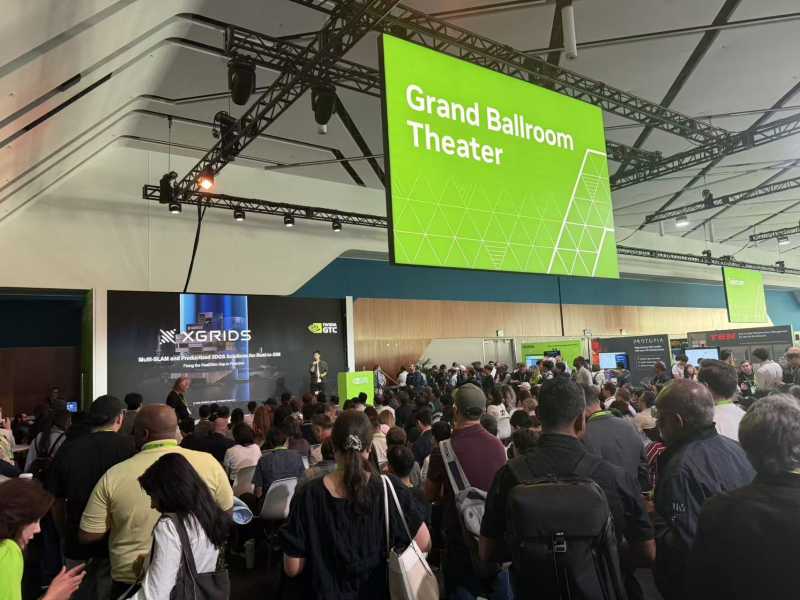
XGRIDS at NVIDIA GTC 2026: Bridging Real-World Spaces and Physical AI Through Real2Sim
XGRIDS at NVIDIA GTC 2026: Bridging Real-World Spaces and Physical AI Through Real2Sim
In this webinar, we brought together creators from film, virtual production, and interactive design to explore how 3D Gaussian Splatting (3DGS)—a cutting-edge rendering technique—is being applied across different creative pipelines.
In this webinar, we brought together creators from film, virtual production, and interactive design to explore how 3D Gaussian Splatting (3DGS)—a cutting-edge rendering technique—is being applied across different creative pipelines. While 3DGS is still an emerging concept, its potential for spatial storytelling, photorealistic rendering, and real-time applications is already reshaping workflows in film, virtual production, and game engines.
From post-production in After Effects, to Unreal Engine integration, to interactive application development by Unity—this session highlighted practical, working examples of how creators are bringing 3DGS into real-world use.
👤 Speaker: Kai Christmann
A seasoned motion designer for film and television, known for bridging traditional VFX with emerging technology.
- Early implementations relied on web-based services (e.g., Luma, Polycam, Postshot) to generate Gaussian splats.
- These were suitable mainly for short animations and basic web viewing.
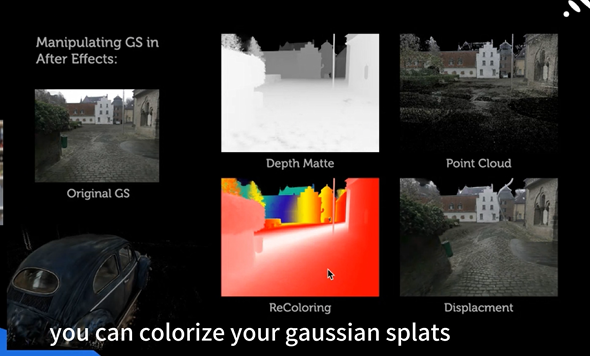
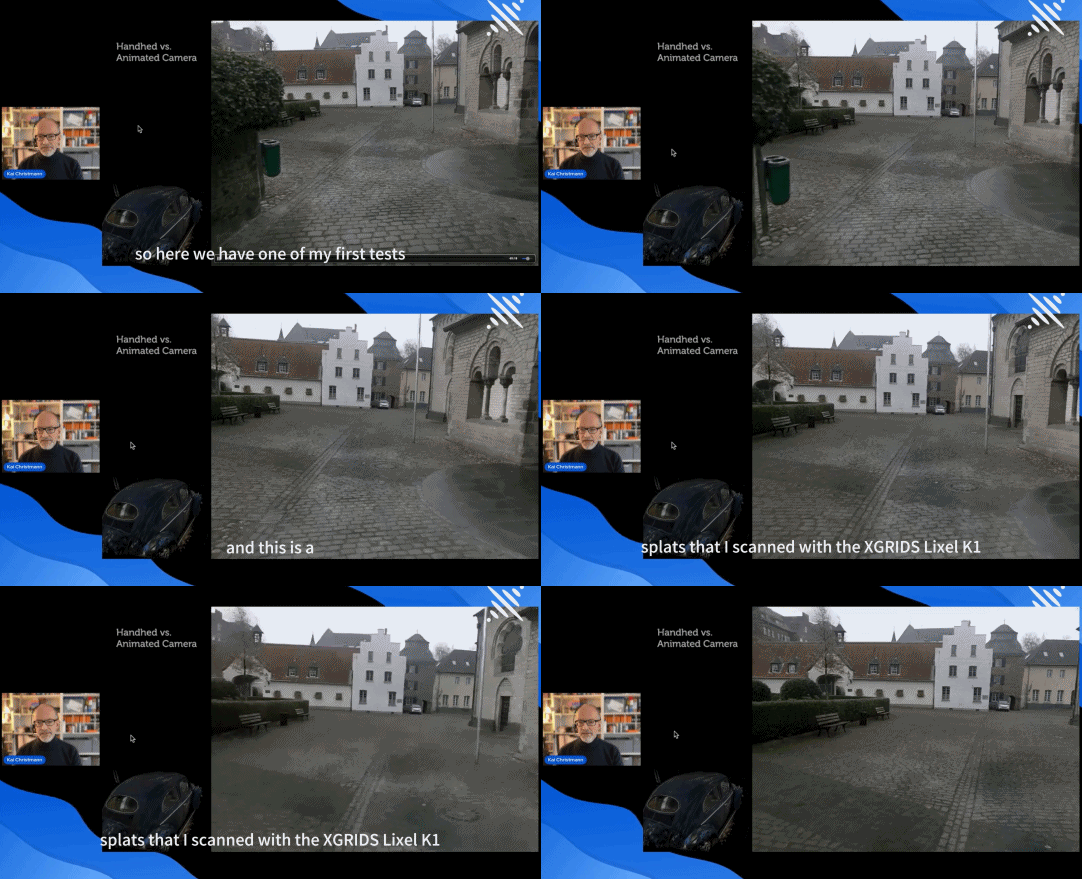
- CamTrack AR (HitFilm): Captures camera motion data on iOS and imports it into AE or 3D tools as a virtual camera.
- Jetset by Lightcraft: Allows you to import Gaussian Splats into the app and preview them in real-time on your phone while shooting live footage.
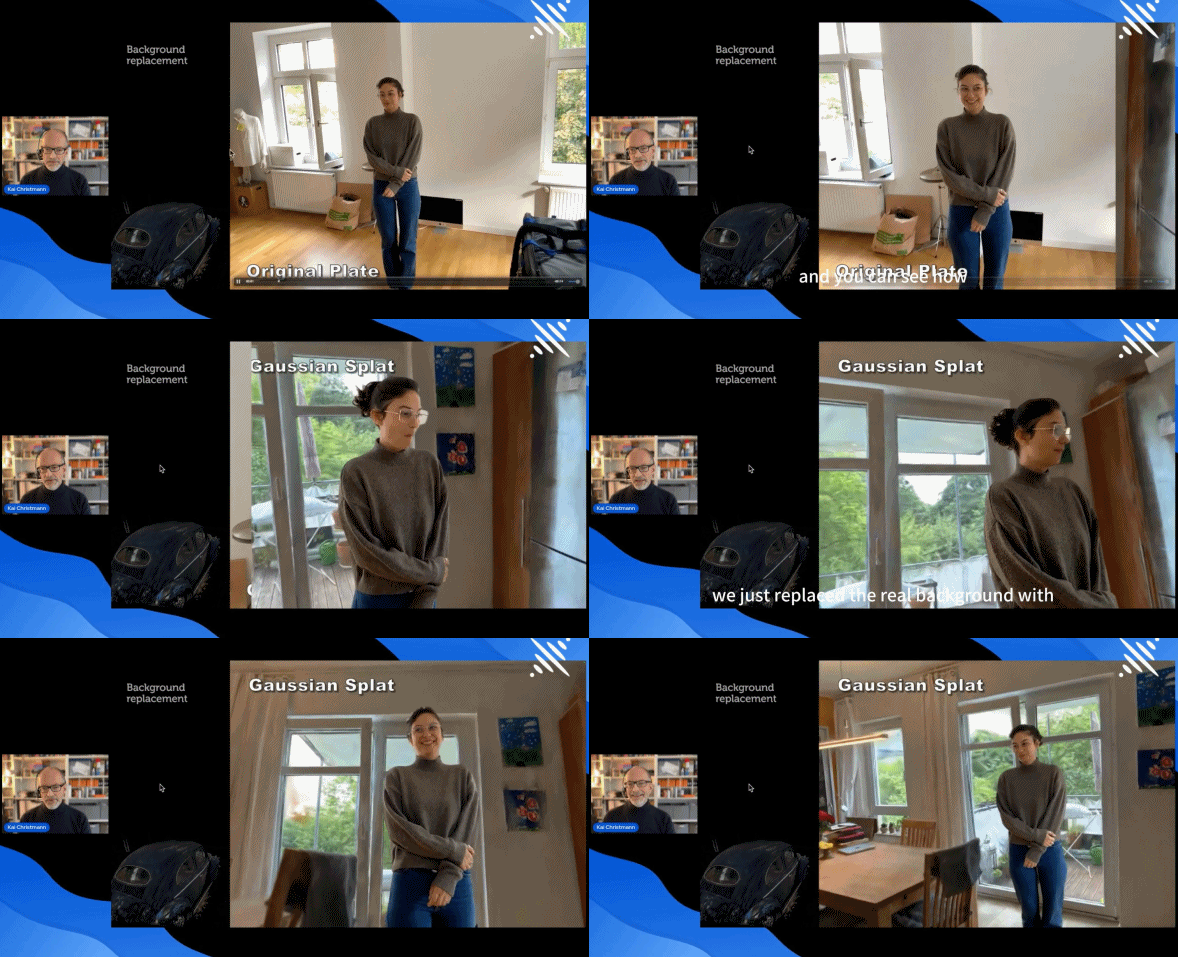
- Informational video overlays
- Interactive experiences with live annotations
- Use low-resolution versions of Gaussian Splats as proxies during video editing for a smoother workflow and faster rendering.
- Begin each scan from the same physical marker or location. This allows for precise alignment of multiple GS outputs—ideal for complex visual effects work.
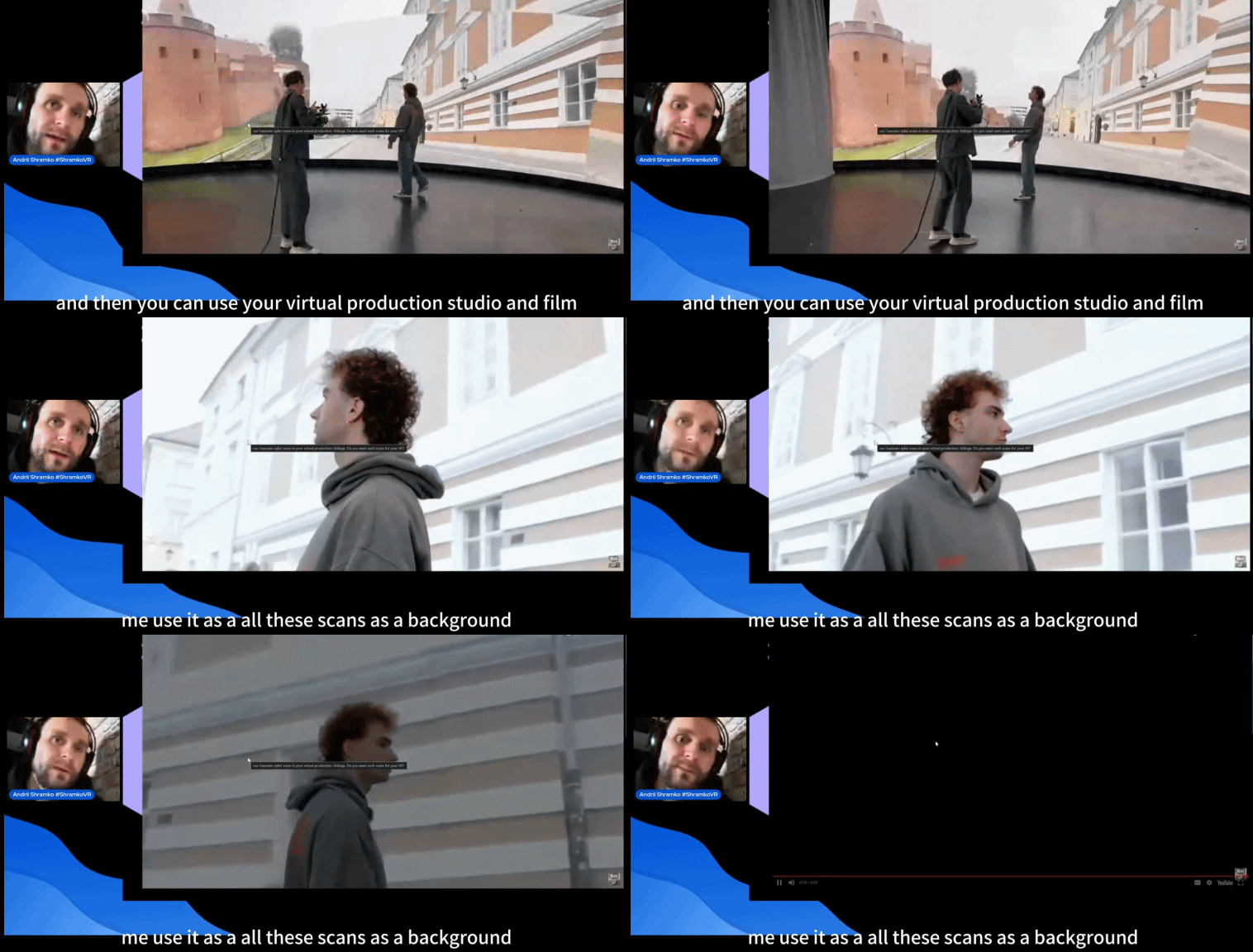
👤 Speaker: Andrii Shramko
A virtual production producer specializing in immersive 3D environments.
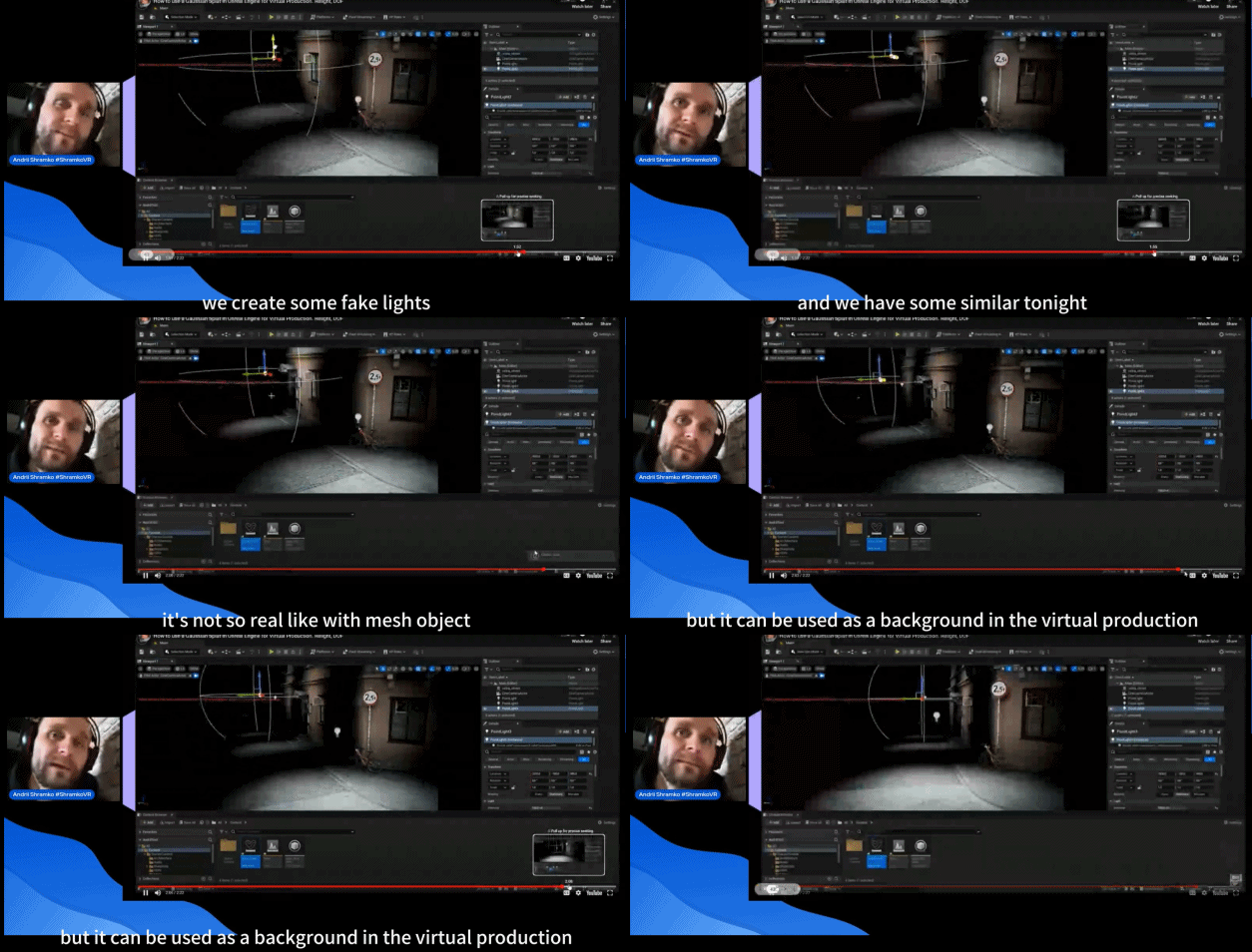
Andrii shared how 3DGS is being used to enhance virtual production pipelines, specifically by leveraging XGRIDS scanners and real-time integration into Unreal Engine.
- Block actor movement naturally within the digital environment.
👤 Speaker: Dr. Lukasz Mirocha
Research and Practice Fellow in Augmented Visualisation at Hong Kong Baptist University’s Visualization Research Centre.
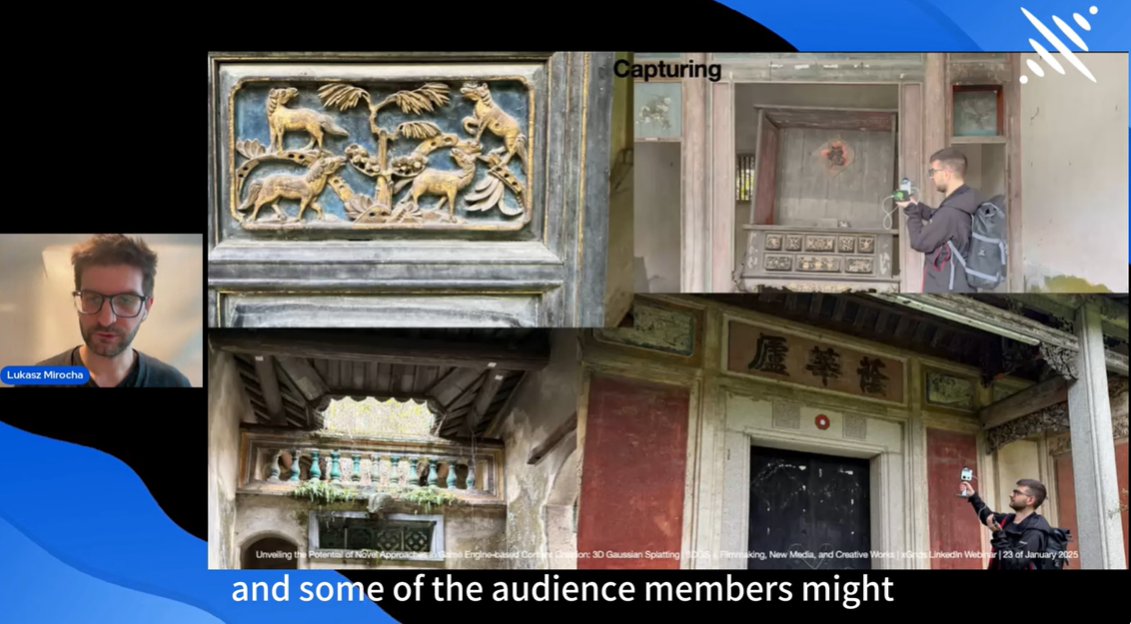
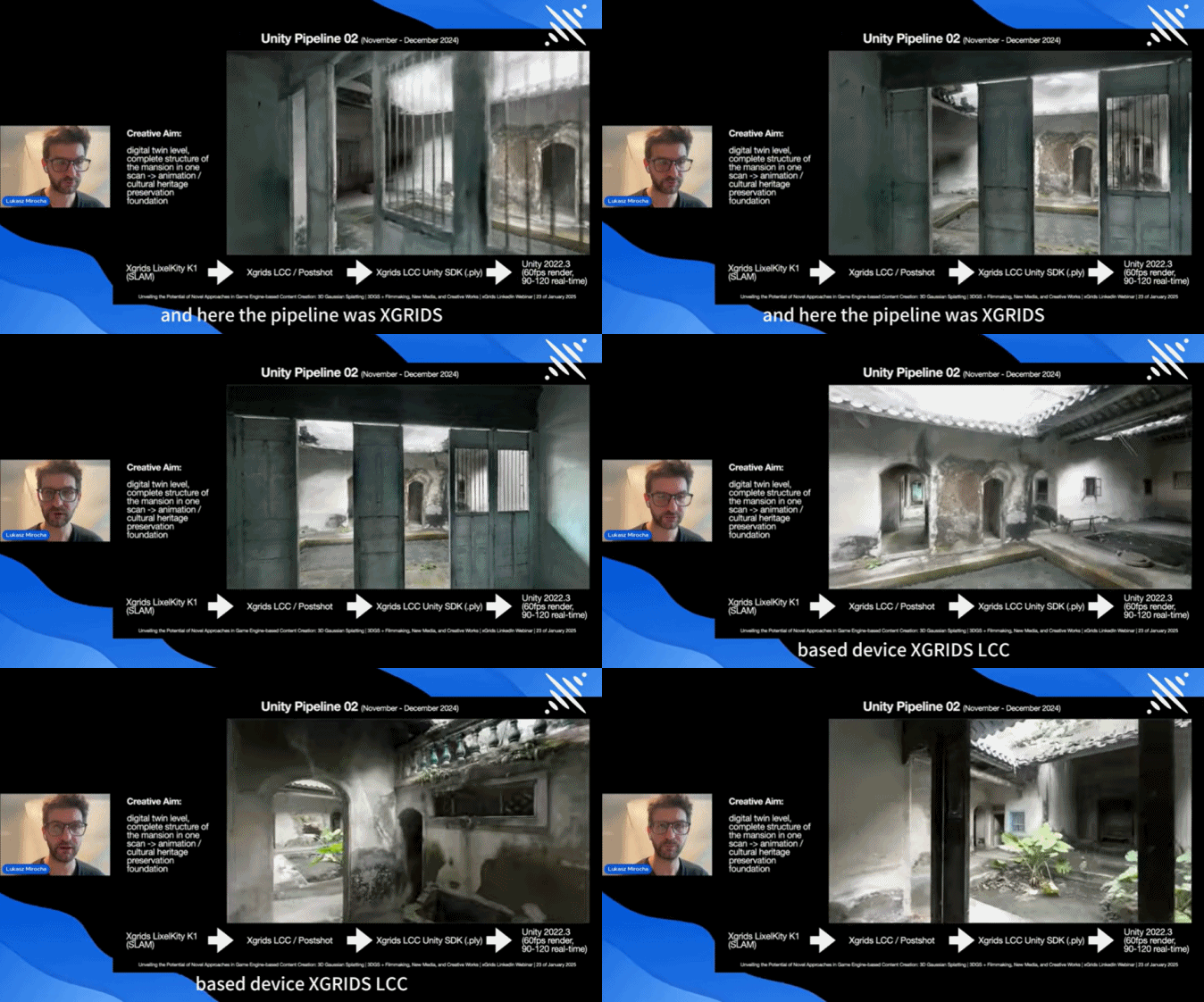
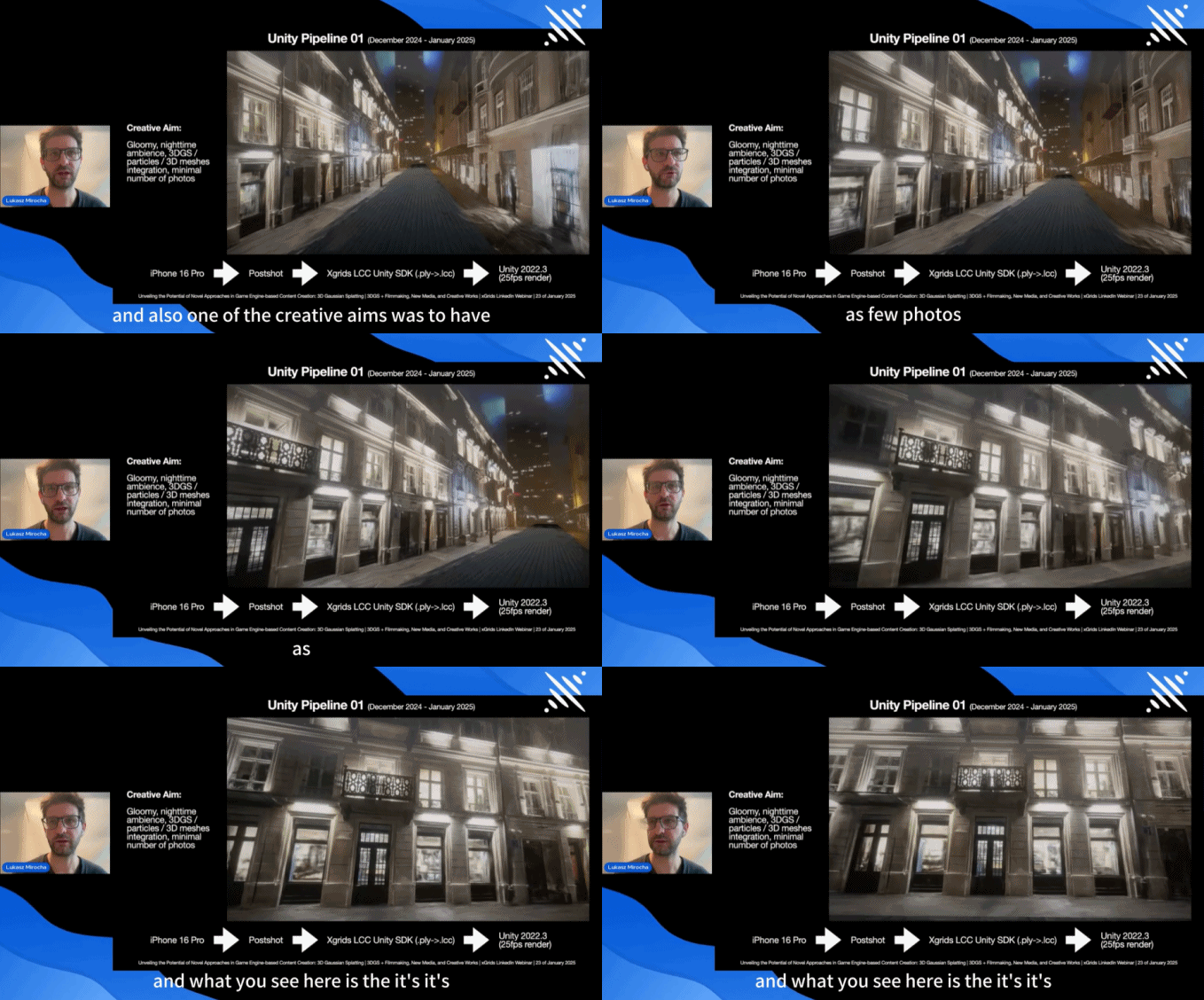
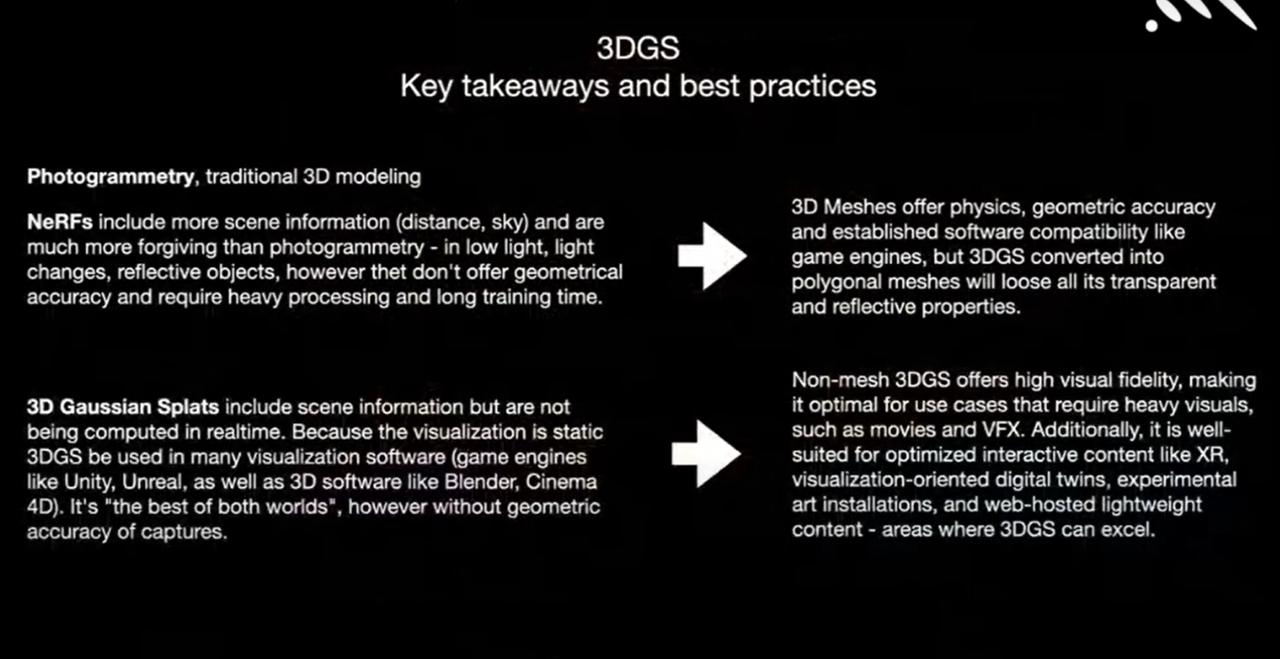
Mirocha’s work demonstrates how 3DGS, paired with game engines, provides a lightweight yet visually rich method for spatial storytelling—especially useful in non-entertainment contexts like cultural heritage, virtual exhibitions, or archival projects. These projects show that game engine-based workflows can enable new forms of expression and preservation outside of traditional gaming.
This webinar is part of our ongoing series on practical applications of 3D Gaussian Splatting. As one of the most exciting new developments in 3D visualization, 3DGS is still evolving—and we’re continuously inviting creators, filmmakers, designers, producers, and developers from around the world to share their insights and real-world use cases.
👉 Follow us on social media or stay tuned to our upcoming events page to catch the latest webinars, tutorials, and expert showcases in this fast-growing field.
XGRIDS at NVIDIA GTC 2026: Bridging Real-World Spaces and Physical AI Through Real2Sim
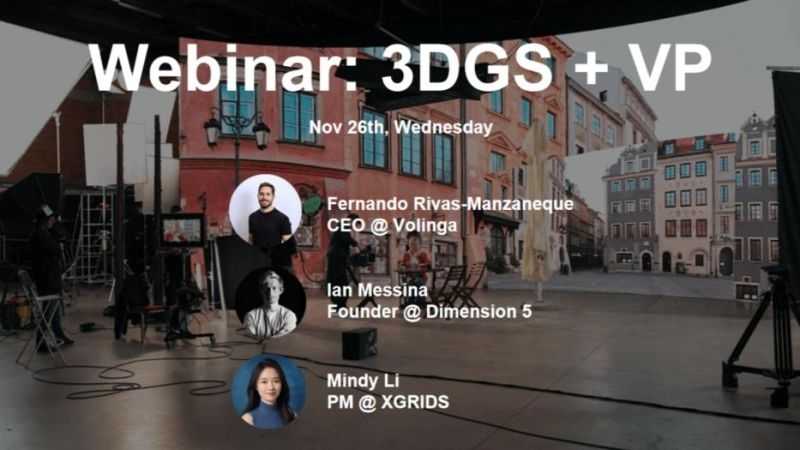
How 3D Gaussian Splatting is closing the gap between spatial capture and in-engine virtual production
Building Accurate, Photoreal 3D Environments for Real-Time Applications

On October 17th, XGRIDS hosted a session in its 3DGS Webinar Series titled "3DGS Documentation for Heritage Sites and Historic Buildings." Featuring Jasper van der Klooster (InformARbv) and Mindy Li (XGRIDS), the webinar explored how point clouds and 3D Gaussian Splatting (3DGS) are redefining the way we document, visualize, and preserve cultural heritage through photorealistic, explorable digital twins.