
News
XGRIDS PortalCam Becomes Only Product to Win Four Categories at 2026 NAB Show Product of the Year Awards
XGRIDS PortalCam Becomes Only Product to Win Four Categories at 2026 NAB Show Product of the Year Awards
LCC2 is among the first 3D Gaussian formats compatible with SketchUp and 3ds Max, and the only one among them developed in China. Real-world scene data goes straight into modeling and rendering workflows without conversion.
Among the first 3D Gaussian formats supported by SketchUp and 3ds Max, XGRIDS LCC2 is the only one developed in China
Two design tools that designers use every day can now open LCC2 directly.
Design concepts usually start in SketchUp, and final renderings often come out of 3ds Max. SketchUp is a go-to tool for architects, interior designers and landscape designers working through concepts, . 3ds Max is long-established 3D rendering software for architectural visualization and interior renderings, and film and game teams use it too. Between them, the two cover the main stages of design, from concept to final images.
Both programs now support 3D Gaussian Splatting (3DGS) natively. Only a handful of 3D Gaussian formats can be read by them directly. XGRIDS LCC2 is one of the first formats to be supported, and currently the only one among them developed in China.
It is rare for a 3D data format developed in China to enter the flagship design software of both Trimble and Autodesk. It reflects both companies' recognition of LCC2's data quality and openness, and it means real scenes recorded in LCC2 can enter mainstream international design workflows without conversion.
For designers, the change is simple: LCC2 data generated in LCC Studio opens as a complete real-world scene in the software they already know, with no format conversion and no third-party plugin.
In the past, 3D Gaussian results mostly stayed in dedicated viewers or web pages. Bringing them into software for 3D modeling usually meant converting formats and hunting for plugins, and the workflow kept breaking. Only once mainstream design software began supporting 3D Gaussians natively did they have a real chance to become part of everyday work.
LCC2's place among the first compatible formats gives real-world scene data a smoother path between modeling and rendering, and may encourage more software vendors and developers to follow. Once formats connect, the ecosystem grows, and 3D Gaussian Splatting workflows mature faster.
LCC2 is the next-generation 3D Gaussian format developed by XGRIDS. Its data structure and compression were both redesigned with a simple goal: large scenes that can be stored, opened and put to use.
True scale. LCC2 results come from capture and reconstruction with Lixel series scanners and the PortalCam spatial camera, recording geometry and color together. Lixel scanners capture with LiDAR SLAM, so the results carry real-world scale. After import into SketchUp there is no need to recalibrate scale, and you can model directly against the site.
Small files, large scenes. LCC2 data is about 8%–10% the size of conventional open-source 3D Gaussian solutions. Scenes are split into small tiles and loaded in levels by viewing distance, so campus- and block-scale scenes with hundreds of millions of Gaussians can be browsed in real time.
More than looks. A single LCC2 file stores collision, geometry and depth information, so software can analyze it, AI can read it and robots can use it for perception. It also serves simulation and digital twins.
Fully open specification. The format specification and developer documentation are public, and LCC2 converts to and from mainstream 3D Gaussian formats. Vendors and developers can integrate it by following the specification, and existing captures do not need to be redone.
In SketchUp, after you import LCC2 data, the Gaussian Splatting extension guides you through cropping, orienting, aligning, scaling and positioning, placing the real scene at the right spot in the model's coordinate system. Drawing tools can snap directly to the Gaussian data, so you can draw new designs along existing walls, floors and building elements. Scenes, section planes and 2D drawings can all use the real-world scene as well.
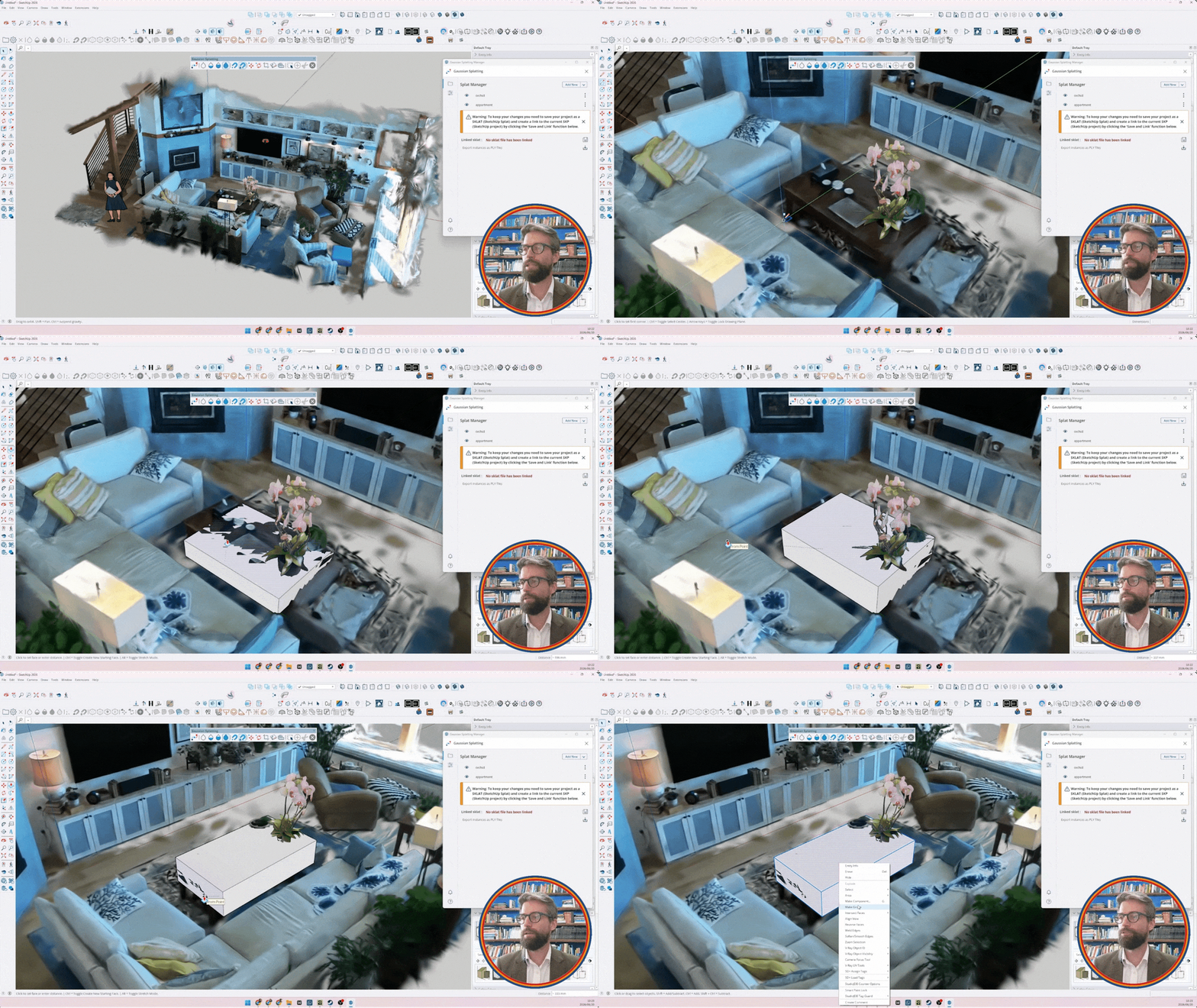
Requirements: SketchUp 2024 or later on Windows, with an active Pro or higher subscription. There is no extra charge while the feature is in Labs.
In 3ds Max 2027.2, 3D Gaussians are native objects that enter the modifier stack just like meshes and splines. Imported LCC2 data can be previewed in real time, edited non-destructively with common modifiers, or converted into editable points for point-by-point refinement. The Arnold renderer can render 3D Gaussians directly, so the real scene responds to scene lighting and casts shadows, sharing the same light and shadow as the new design.
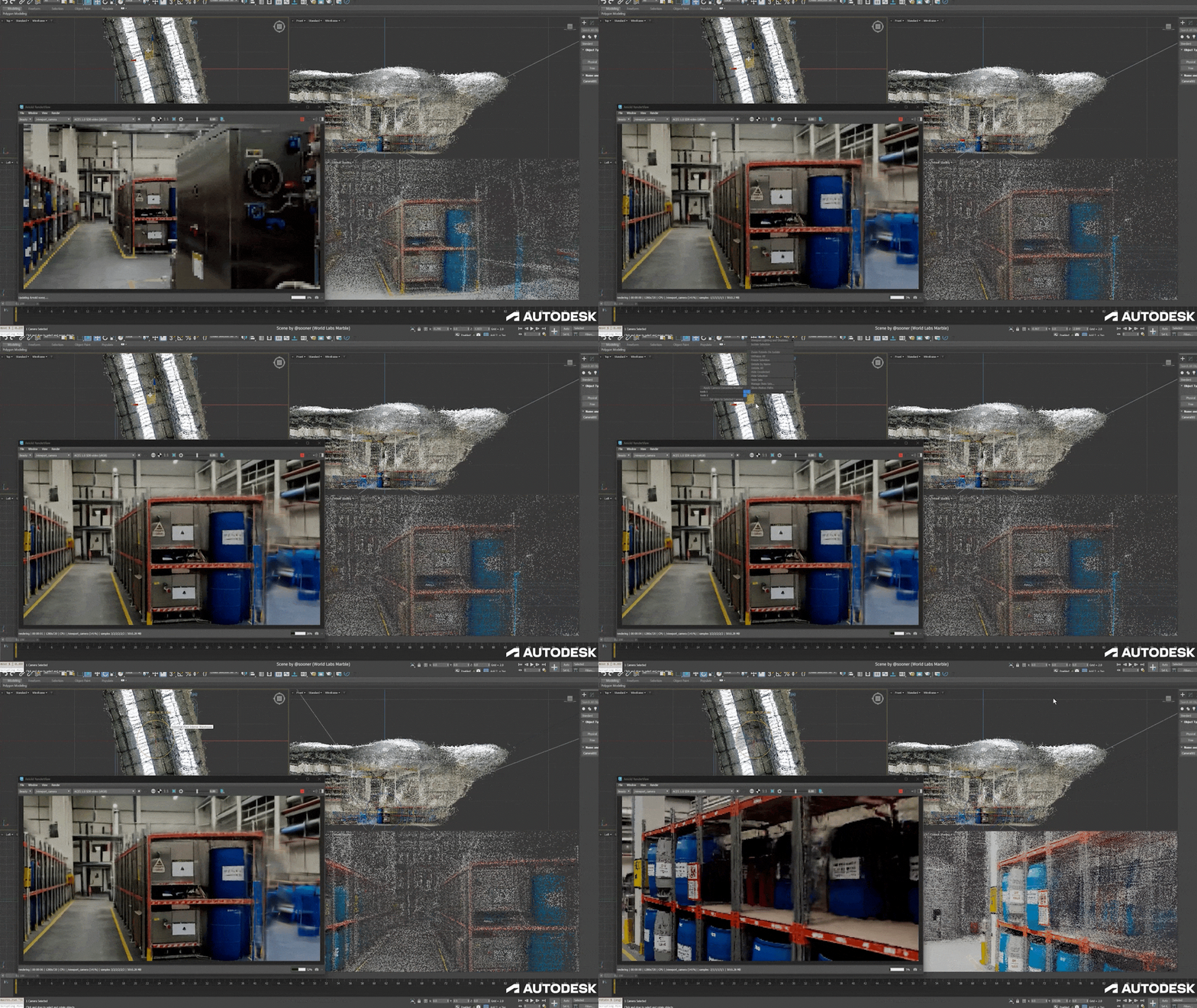
LCC2 has been an open format from the start. Beyond SketchUp and 3ds Max, LCC2 already works in Unreal Engine through LCC Plugin for UE, and in web-based 3D viewing through the web development kit.
The LCC and LCC2 formats have been supported and adopted by platforms including Autodesk Revit, Autodesk, PlayCanvas, Cesium, ArcGIS Pro 3.5 and SuperMap.
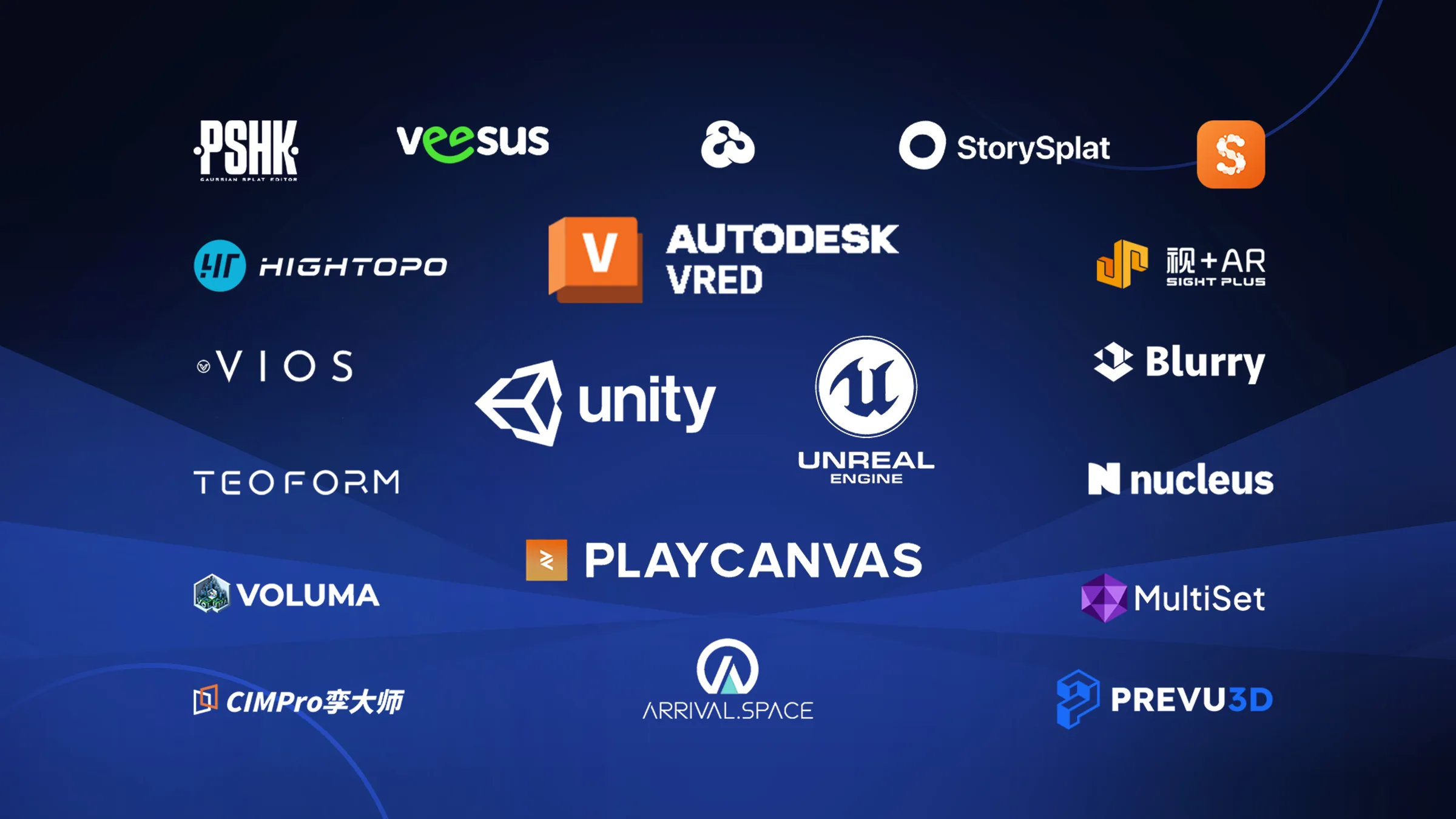
We hope more software and platforms, including 3D visualization software, will support LCC2 across design, engineering, simulation, gaming, and culture and tourism, so real-world scene data moves smoothly between tools. Capture a site once, then keep working with it in any software.
Bringing the real world into more tools. Capture the site once, and every piece of software after that starts from the same real-world origin.
XGRIDS PortalCam Becomes Only Product to Win Four Categories at 2026 NAB Show Product of the Year Awards

An open format that more tools, more industries, and more developers can build on.
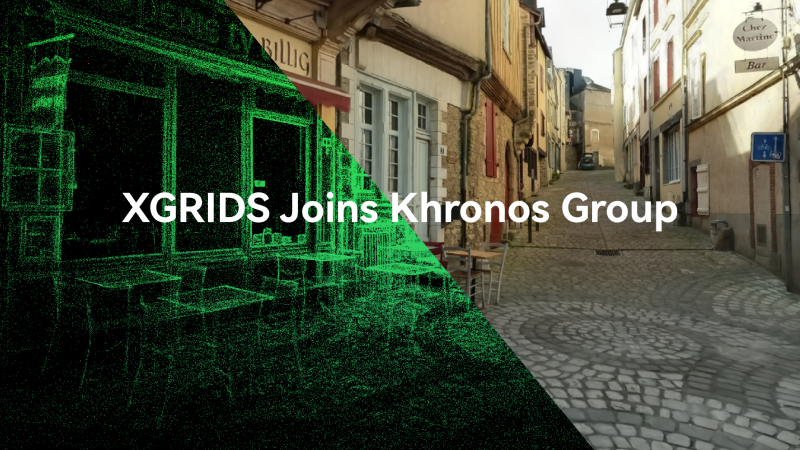
XGRIDS, a spatial intelligence company and one of the first companies to deploy 3D Gaussian Splatting at production scale across multiple industries, today announced its membership in the Khronos® Group.

XGRIDS wins the IFA 2026 Netzwelt Innovation Award with PortalCam & LCC Scan, turning physical spaces into production-ready digital twins in real time.