Real Locations into Your Production, From Scout to Final Pixel.
One person with a handheld spatial camera captures the location in a single walkthrough, no technical qualification required. What comes back is a photoreal, measurable, relightable film-grade environment that runs in Unreal, Unity, your DCC or a browser.
Why Film Teams Scan Instead of Build
Bring Reality Into Production Instead of Rebuilding It
A VP or CG environment is a guess about a real place, refined until the guess stops being noticeable. That refinement is where the schedule goes. Capture inverts the process. The environment arrives correct, with real light and real geometry already in it, and the work becomes editorial rather than reconstructive. One operator, one walkthrough, and the location exists as an asset the whole production can draw on.
One Operator, One Pass
Capture locations with lightweight handheld devices without a dedicated scanning crew or complex setup.
Measurable, Not Just Photoreal
Combine photorealistic 3DGS with LiDAR-based geometry for techvis, measurements, set planning, and VFX reference.
Relightable in Engine
Adjust captured environments in Unreal Engine to match the stage, creative direction, or lighting design.
Scale to Real Locations
LOD-based rendering supports massive 3DGS environments in billion-scale splats in Unreal Engine at production-ready frame rates.
Capture Where Traditional Methods Struggle
Document interiors, underground spaces, rooftops, night environments, and no-fly locations through mobile handheld scanning.
One Capture, Every Department
The whole crew can reuse the same spatial asset across scouting, previs, virtual production, VFX, and post-production.
One Workflow Connecting Real Locations to Real-Time Content
From Reality Capture to Digital Content Production
For film, game and interactive content teams, the value is not in "finishing a scan." What matters is whether the captured data can move on into creation.
Step 1
Capture the Real Location
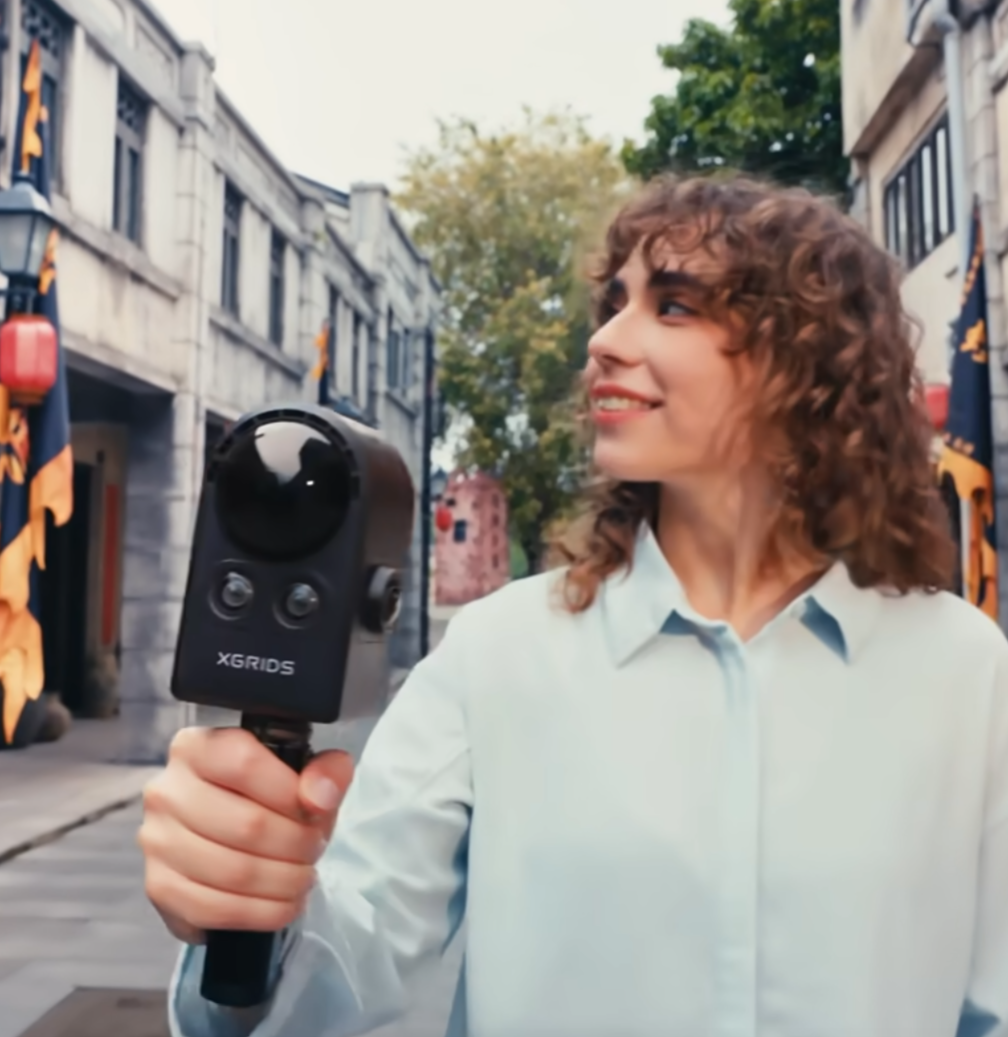
The PortalCam spatial camera captures shooting locations, buildings, activity spaces and entertainment venues quickly, generating photoreal 3D Gaussian models with a low barrier to entry; the Lixel series suits scenes that need higher spatial accuracy, larger coverage or engineering-grade geometry.
Step 2
Generate Real 3D Assets
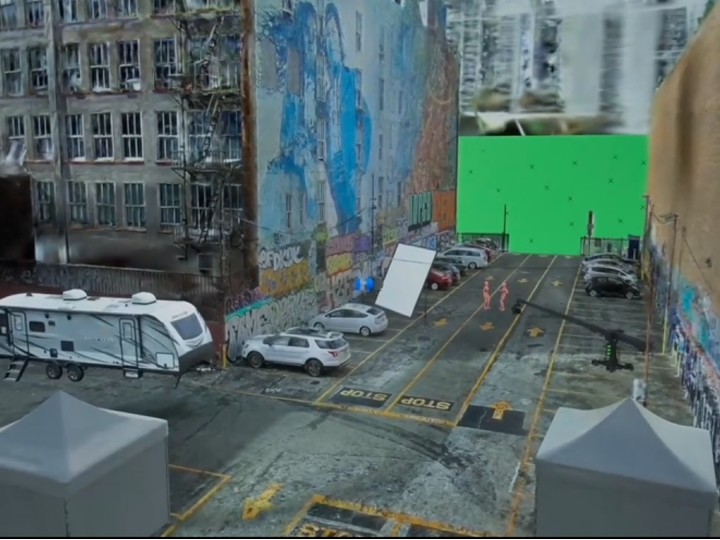
Tools such as LCC Studio turn captured reality data into usable digital space, generating 3D Gaussian models, point clouds, meshes, collision bodies and spatial measurement data as needed.
Step 3
Edit and Optimize
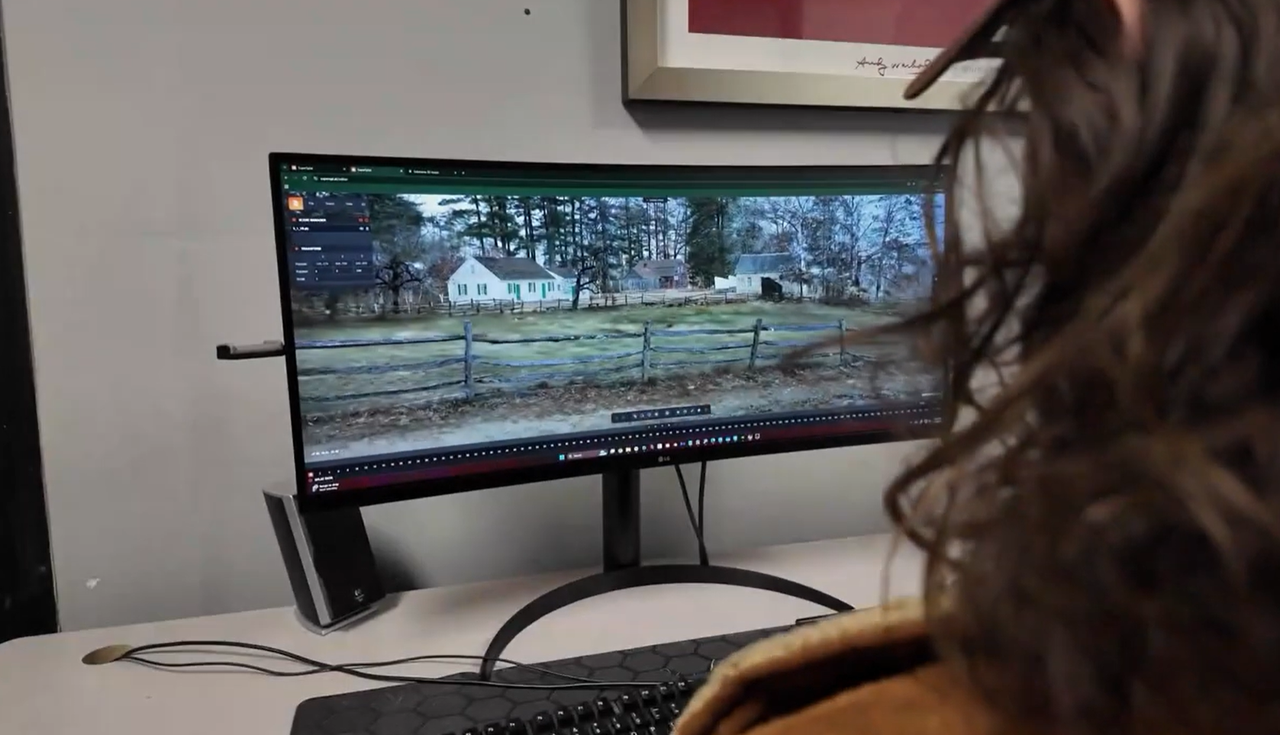
Depending on content needs, crop regions, combine scenes, merge maps, fuse aerial and ground data, add high-definition reshoots, apply LOD chunked rendering, and prepare collision and interaction — getting the scene ready for real-time engines, games or XR.
Step 4
Bring Assets into Content Production
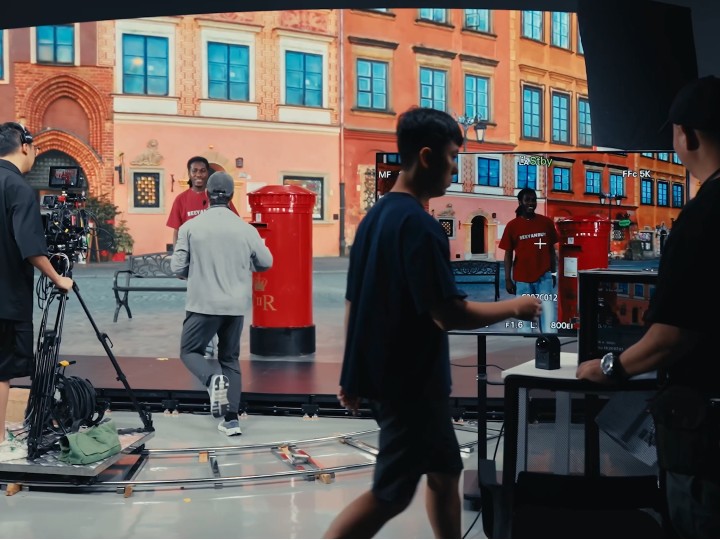
Through the LCC UE plugin, Unity tooling and open data workflows, bring real-location 3D assets into Unreal Engine, Unity, Blender, Houdini, Nuke and more — then add characters, animation, lighting, VFX, game mechanics and interaction logic.
Step 5
Publish and Experience
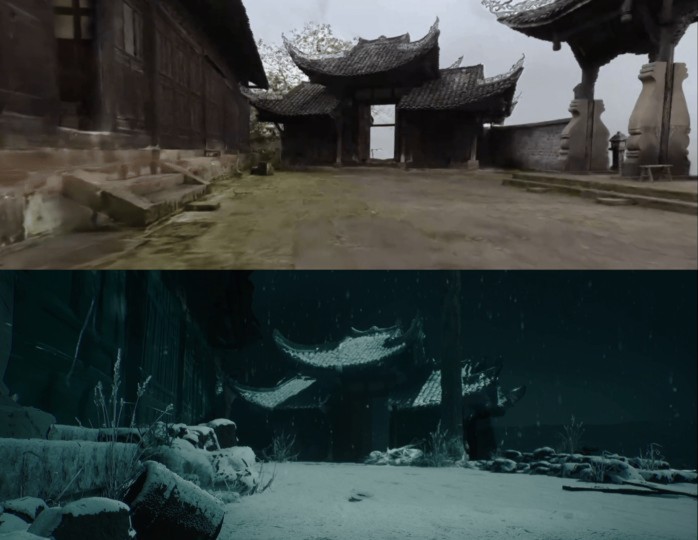
The same real-location 3D content can go on to film and virtual production, games, web interactive content, VR/XR, LED virtual production, digital shows and immersive entertainment — turning real-world data into digital experiences people can watch, play and interact with.
PortalCam / Lixel Scanners
A spatial camera captures in one walk — ideal for fast scouting and small-to-mid scenes; spatial scanners cover large scenes, high accuracy, night and underground, with an easier path to accurate textured mesh.
ReconstructLCC Studio
Turns captured reality into production-ready assets — 3D Gaussians, point clouds, meshes and collision bodies.
UELCC for UE
Bring large-scale 3D Gaussian scenes into Unreal for previs, virtual production, games and interactive content.
UnityLCC for Unity
Bring real-world 3D assets into Unity for games, XR, interactive apps and spatial computing projects.
Where Teams Use It
Each scenario is broken down the same way: the problem you have today, how we solve it, and what changes.
Scenario 1
Location Scouting & Remote Recce
Scout Once, Bring Everyone With You
Traditional scouting relies on photos, video and memory. Director, production design and lighting each need different information, so people go back again and again — and remote teams can barely take part. Photos cannot convey spatial relationships: how wide is that wall, how high is that ceiling?
PortalCam captures as you walk — a full 3D record of a location in under 10 minutes. The output is a 3DGS scene you can walk into in a browser: director, production design and lighting each explore the same digital location on their own screen, annotating, measuring and discussing. No more flying the whole crew out.
- 10-minute capture, a walkable digital location the same day
- Opens in a browser — director, design, lighting and production collaborate remotely
- Centimeter-accurate and measurable, so design decisions have real numbers
- Archive every candidate location and compare them any time
Scenario 2
Previs & Techvis
Block the Shot in the Location, Before You Get There
Traditional previs is built on concept art or simplified models, so geometry and scale drift from the real location. Directors discover on set that the crane will not fit, or that the window is not where previs said. Techvis needs real dimensions; a proxy model is not enough.
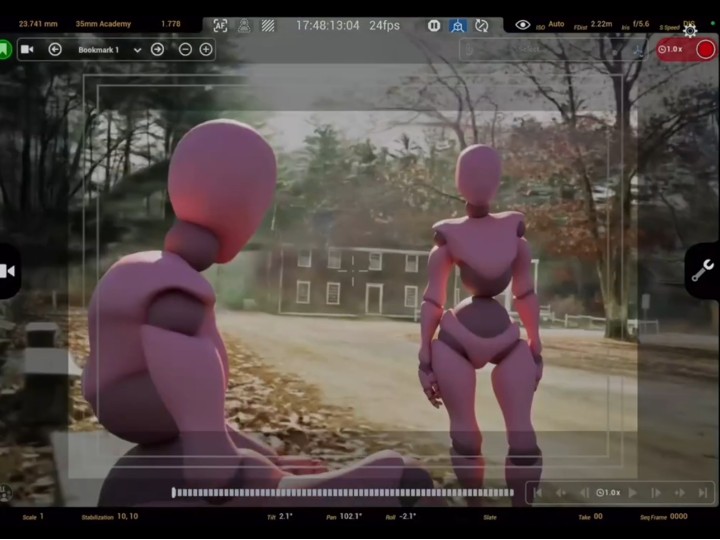
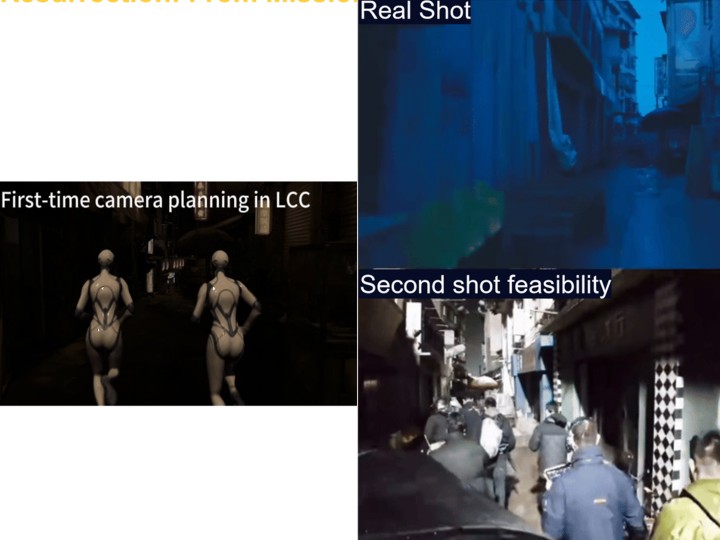
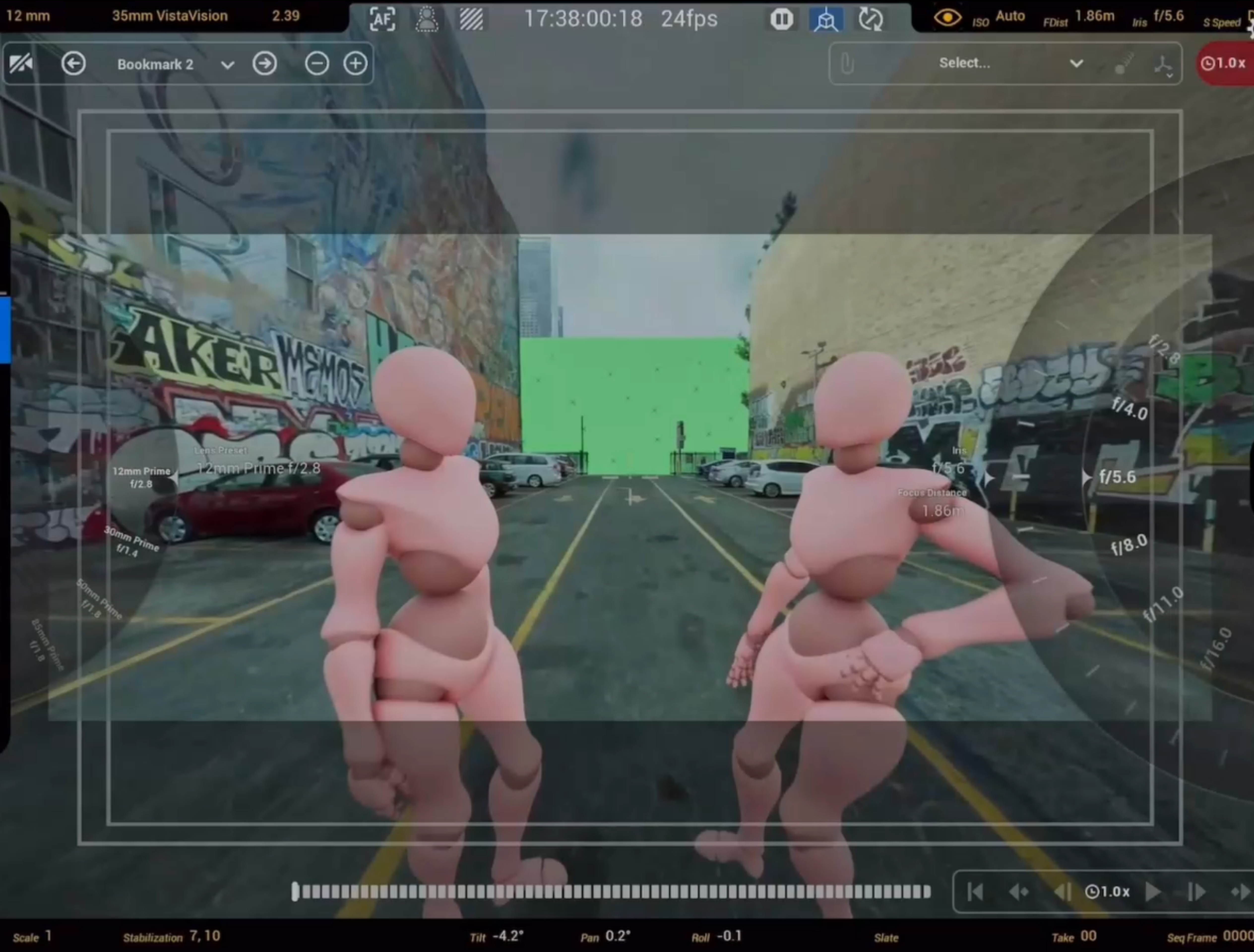
Run previs and techvis inside a 3DGS digital twin of the actual location instead of a concept model. The LCC UE SDK renders billion-scale Gaussians live in Unreal — the DP blocks camera positions and movement in the virtual location, and the VAD simulates lighting. Because it is a centimeter-accurate copy of the real place, what you plan is what you shoot.
- Design shots in the real location, not a concept model
- Billion-scale 3DGS, interactive in real time inside UE
- Measurable: predict crane, dolly and lighting clearances precisely
- Previs flows straight into the shoot — what you see is what you get
Scenario 3
Virtual Production & LED Volume
Real Locations on the Wall, at Full Scale
LED Volume and ICVFX need high-fidelity environments rendering live on nDisplay. The traditional route — photogrammetry — takes weeks, caps out on mesh density, and struggles as scenes grow. 3DGS is faster and more photoreal, but most implementations cannot deliver billion-scale scenes at frame rate.
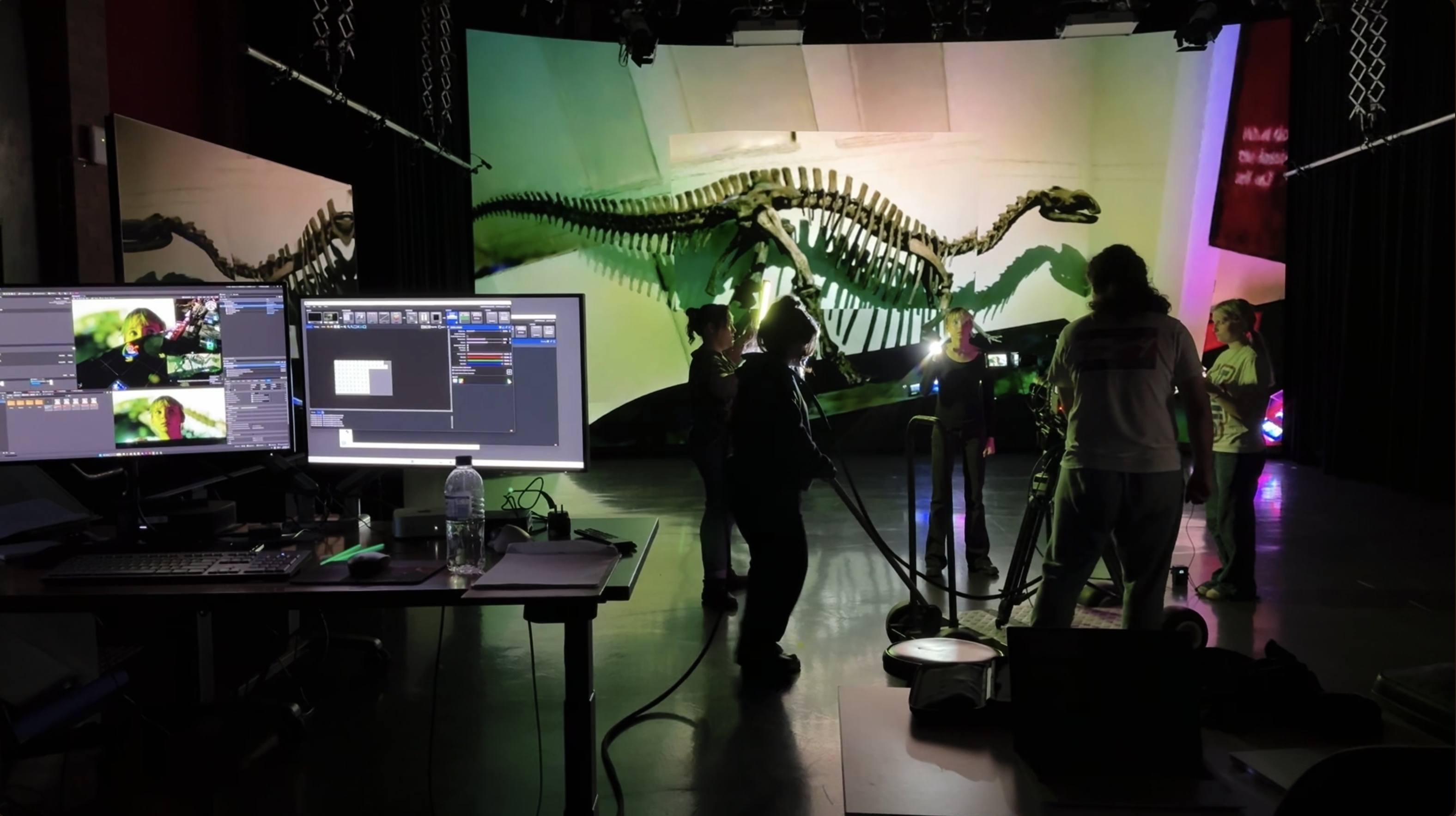
The LCC UE SDK is the first solution to run billion-scale 3DGS inside Unreal. L2 Pro captures a large exterior or interior in a day, LCC reconstructs billions of Gaussians automatically, and it renders live in nDisplay or Disguise at cinema frame rates. Relightable Gaussian Splatting means the lighting team can adjust the light in-engine instead of inheriting dead data.
- Capture to wall measured in days
- Relightable in engine, so stage and plate lighting can be matched
- Runs through nDisplay and Disguise without a bespoke integration
- Collision and occlusion handled, so the environment is interactive
Scenario 4
VFX Reference & Digital Assets
Reference With Real Dimensions in It
VFX needs accurate scene geometry for match-moving, set extension and environment rebuilds. The usual route — HDRI plus reference stills plus manual measurement — is slow and inconsistent. If the CG rebuild is the wrong size, the composite floats.
Data from L2 Pro SLAM plus LiDAR carries real geometry, so VFX can measure any dimension directly in 3D and build CG assets against a reliable spatial reference. The 3DGS scene also works as a starting plate for set extension or as a lighting reference, carrying HDR colour information.
- Centimeter-accurate scene geometry, not just photo reference
- Precise match-moving reference for cleaner composites
- Multi-format output: point cloud (.las), mesh, 3DGS, panorama
- One capture serves art, lighting and compositing at once
Scenario 5
Location Archive & IP Asset
Every Location You Capture Stays Captured
Productions spend serious time and budget securing locations, then the location data disappears when the project wraps. Pickups, sequels and spin-offs mean renegotiating access all over again — and the location itself may have changed or become unavailable.
Every 3DGS scene from scouting or shooting can be kept as a long-lived digital IP asset. A production company builds its own digital location library — sequels, spin-offs, game adaptations and virtual events reuse it directly, with no return trip. The data can also be licensed to third parties.
- Location data becomes a production company IP asset
- Reused across sequels, spin-offs, games and VR experiences
- A complete digital record survives demolition or disaster
- A data source for AI training and world models — the spatial-intelligence upside
Productions Using Spatial Capture
Publicly citable project case studies are being cleared. Until then, here is what you can verify yourself.
Frequently Asked Questions
Common questions about spatial capture and virtual production, answered here.
3DGS reconstructs a scene as a field of oriented gaussians rather than a polygon mesh, which preserves real lighting, reflection and fine detail that a mesh pipeline flattens. Photogrammetry produces a mesh, which remains better where you need exact collision geometry or heavy manual editing. XGRIDS outputs both from a single capture: the 3DGS scene for what the camera sees, the point cloud and mesh for geometry and collision.
A large exterior is walked with a handheld Lixel L2 Pro rather than flown or rigged, so capture time scales with walking time rather than setup count. Reconstruction in LCC is automated. Most locations move from capture to an engine-ready 3DGS asset within a working day.
Yes. The LCC UE SDK supports nDisplay and Disguise natively, rendering 3DGS environments in Unreal Engine at production frame rates without converting the scene to mesh first.
They can be relit. LCC separates captured lighting during reconstruction, and the LCC UE SDK supports relightable Gaussian Splatting, so the gaffer adjusts the environment's lighting in Unreal to match the stage rather than working around the conditions on capture day.
Yes, and this is the clearest advantage over aerial capture. Handheld SLAM needs no GPS lock and no flight clearance, so basements, stairwells, tunnels, interiors, rooftops and restricted airspace are all capturable on foot.
LCC exports to the open LCC format alongside standard 3DGS formats including PLY, SOG and SPZ, with SDKs for Unreal Engine, Unity and web. XGRIDS has open-sourced the LCC format, so the asset is not locked to one viewer or one engine.
No. PortalCam weighs under 900 g and captures on a normal walking pass, so a scout or a production assistant can run it. Lixel scanners are handheld and require no station setup, targets or registration pass.
Fits the Pipeline You Already Run
You do not have to change tools. Plugins, sample projects and partner solutions are below.
LCC UE Plugin
Render billion-scale Gaussians live in Unreal, with relighting, collision and LOD.
LCC Unity Plugin
Bring LCC scenes into a Unity pipeline.
Pixotope Plugin
Into Pixotope live broadcast and AR graphics workflows.
Partner solutions
Capture a Location and See for Yourself
Book a demo, download a film-grade 3DGS sample, or talk to a solutions consultant.