Portrait Mode
Built for people and outfits. Keeps faces, clothing, and full poses clear from the front, the side, and the back.
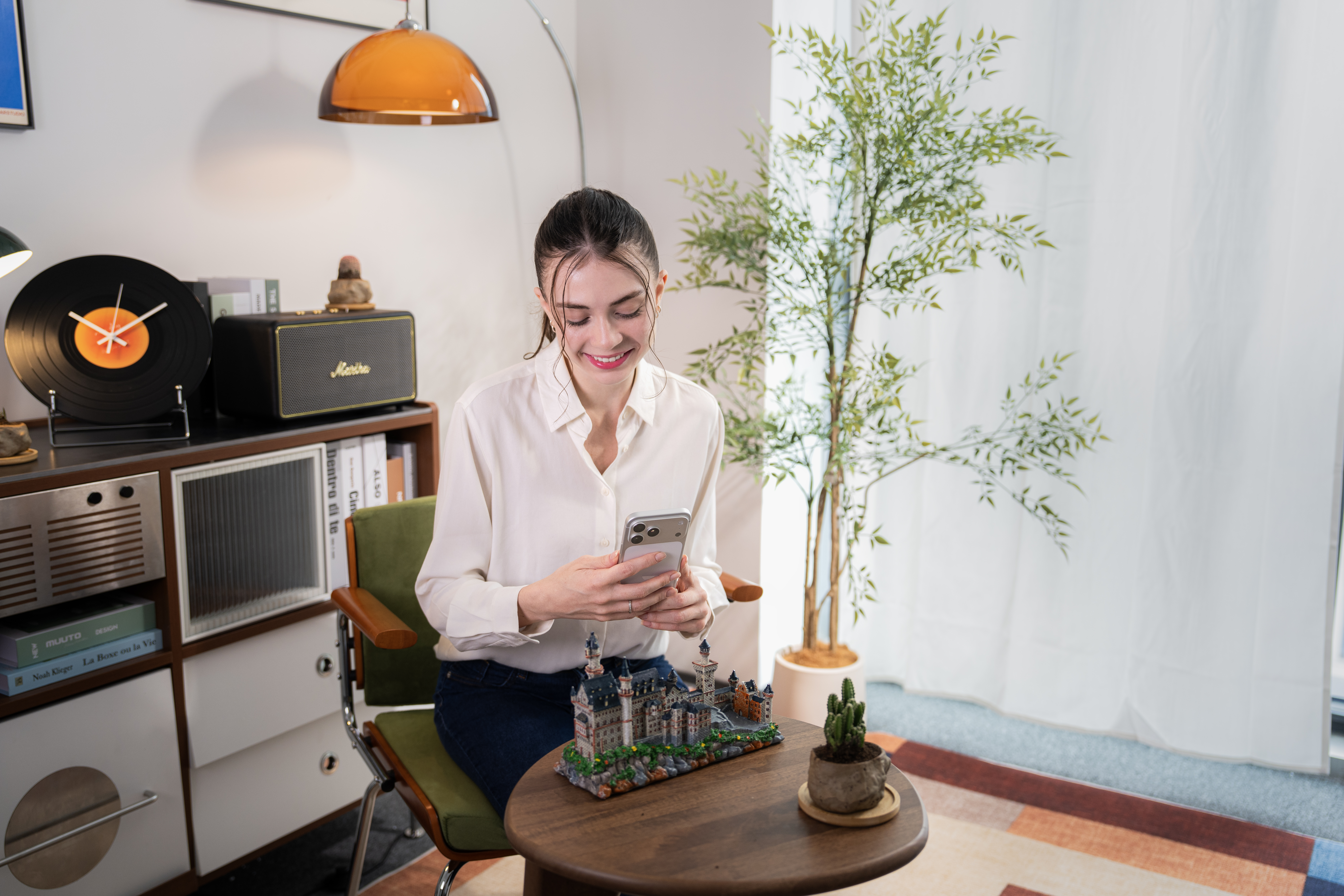
The Spatial Camera in Your Phone.
LCC Scan captures people, objects, and small scenes in 3D, right from your phone¹. The 3D scanning app that runs entirely on-device, with no cloud upload, turning every shot into a detailed 3D model you can move around inside. Any angle you want, whenever you want it.
Follow the on-screen guide and walk in a circle around your subject. Go from object to complete 3D model with no special equipment or 3D experience needed.
Three capture modes
Built for people and outfits. Keeps faces, clothing, and full poses clear from the front, the side, and the back.
For figures, collectibles, and handmade pieces. Follow the guided path around the object so its shape, materials, and structure come through.
No category limits. Capture whatever you want, however you want, and save the moment in 3D.
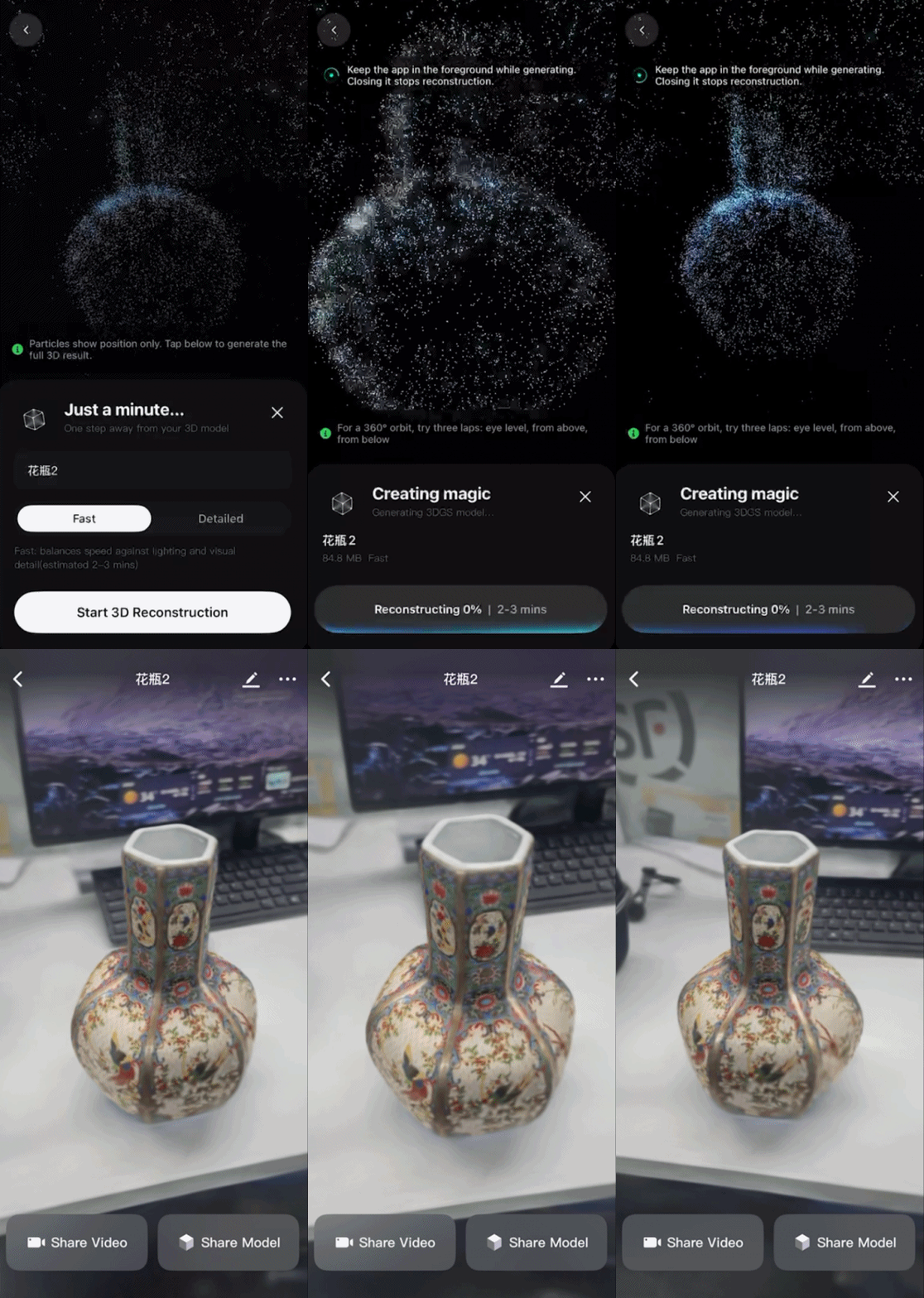
Two ways to process
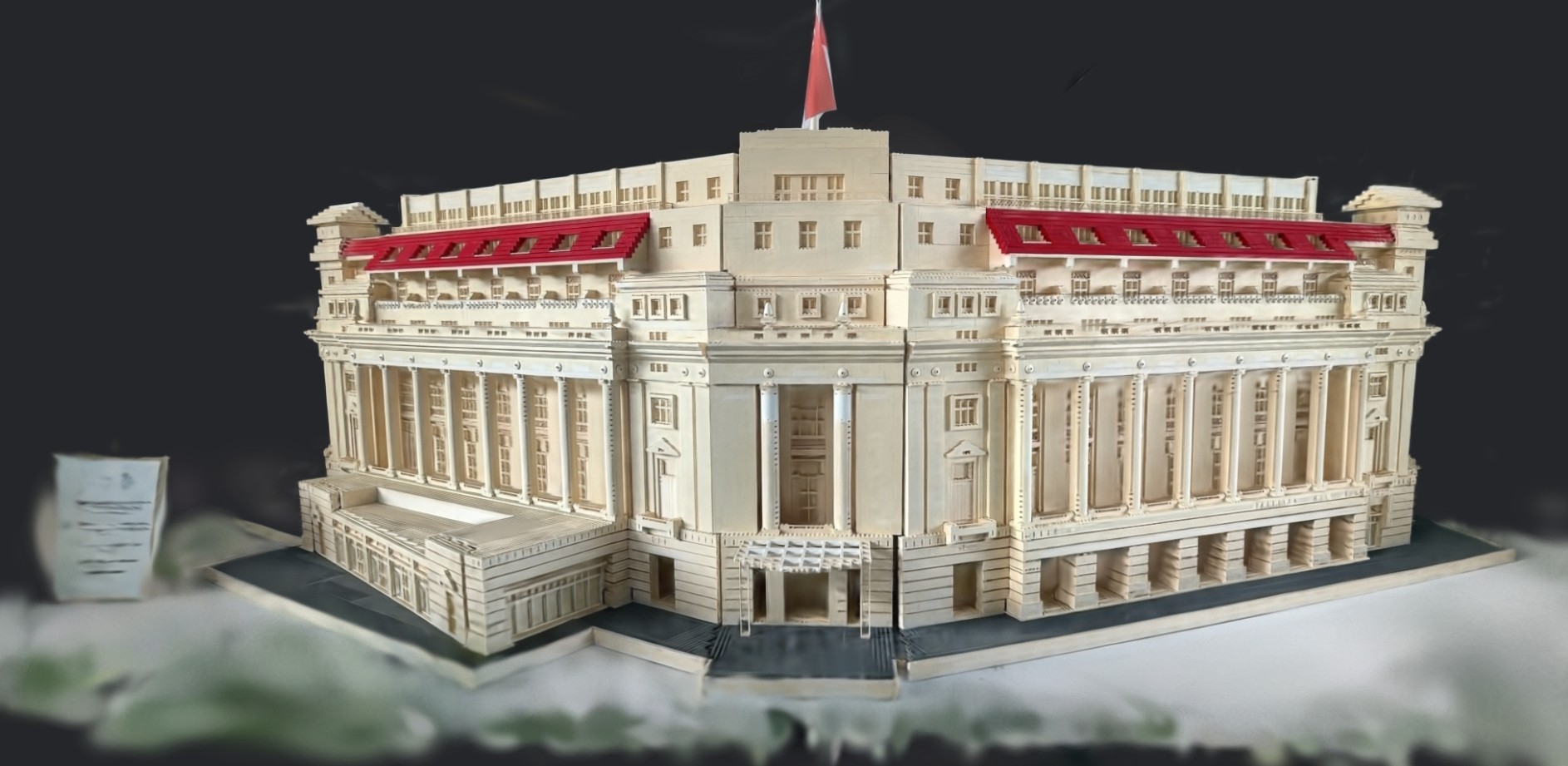
Speed first. Made for everyday captures, quick previews, and posting before you’ve left the room.
In testing on an iPhone 17 Pro at 100% scan completion, 3D reconstruction took 1 min 37 sec
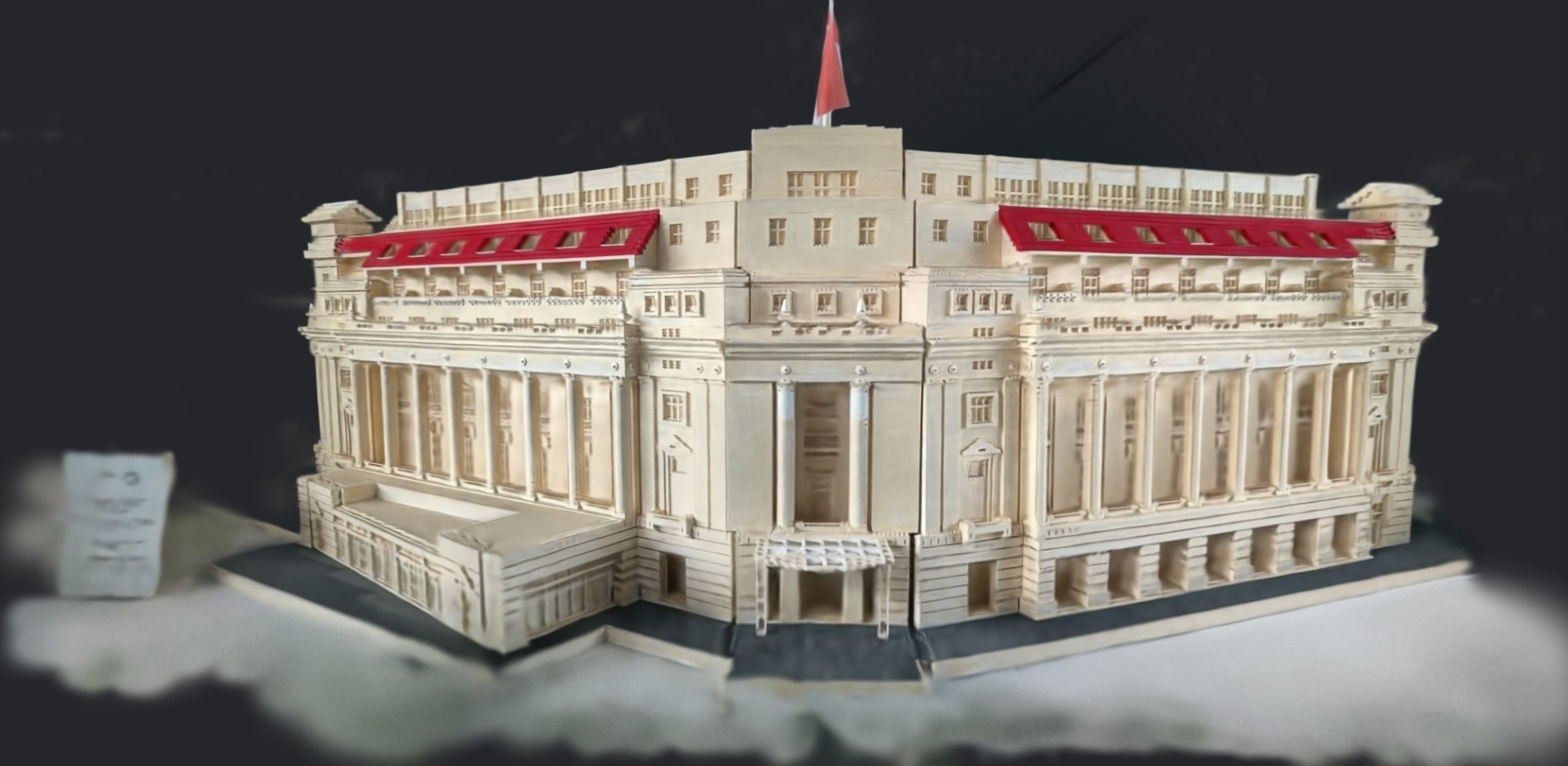
Detail first. Holds finer shape, color, and material, for captures you’ll come back to and look at closely.
In testing on an iPhone 17 Pro at 100% scan completion, 3D reconstruction took 2 min 19 sec
Some moments are worth keeping whole. Some details are worth revisiting. Save the people, pets³, collections, and work you care about in 3D, then turn them, move closer, and see them from angles a flat photo can’t hold.
With the 3D scanning app, capture and processing both happen on your device. No upload queue, no waiting behind peak cloud traffic, no dependency on a stable connection. Start anywhere.
Whatever you capture—people, personal collections, or creative work—stays on your device. Share it, or don’t.
PortalPark is the spatial content community for LCC Scan. Share your own 3D creations, or explore people, objects, and small scenes captured by others from different viewing angles. Like, save, and share the content that interests you.
LCC Scan on your phone handles people, objects, and small scenes. For buildings, campuses, and full sites, PortalCam, Lixel L3, Lixel K2, and Lixel L2 Pro take over. Bring a person into a room you know. Put a collection somewhere new. Or take a capture into LCC Model Editor and LCC Plugin for Unreal Engine to edit, combine, and build with. Where you start is up to you.
Capture a piece of reality that inspires you to preserve, reimagine, or create with 3DGS. Post a video of your work on YouTube, Instagram, X, LinkedIn, and Facebook. Include #WorldBackupProject and #XGRIDS, tag @XGRIDS.
Preserve what matters, and create what comes next. Standout creators will be celebrated across multiple award tiers, with prizes including a PortalCam, LCC Studio Premium licenses, and more.
Yes, LCC Scan is free to download on the App store and Android App Stores, so you can start scanning people and objects from your phone at no upfront cost.
LCC Scan is available on iPhone 13 and later models running iOS 17 or later, as well as iPad Air 5 and later models. On-device reconstruction on Android phones requires Android 15 or later.
Open LCC Scan, choose a capture mode, then follow the on-screen guide and walk around your subject. One minute to scan, about two minutes to your interactive 3D in Fast mode. No special equipment and no 3D experience needed.
People, outfits, pets (still or sleeping), figures, collectibles, handmade pieces, and small scenes. For buildings, campuses, and full sites, PortalCam, Lixel K2, and Lixel L2 Pro take over.
1 LCC Scan is available on iPhone 13 and later models running iOS 17 or later, as well as iPad Air 5 and later models. On-device reconstruction on Android phones requires Android 15 or later.
2 Two minutes is a measured processing time in Fast mode. Actual capture and processing time varies by device.
3 Pets need to stay still while you capture.